
Storefront toolbar and options
Control automatic product checks
Included in Free
Automatically check visible products while browsing.
Pro feature
Use Data for a broader check of your own content.
How to use it
- Product information appears progressively as you visit supported Amazon pages.
- Use Pause to interrupt automatic checks. Play resumes them.
- Pro feature For a dedicated comprehensive run through your content, use Data with Pro.
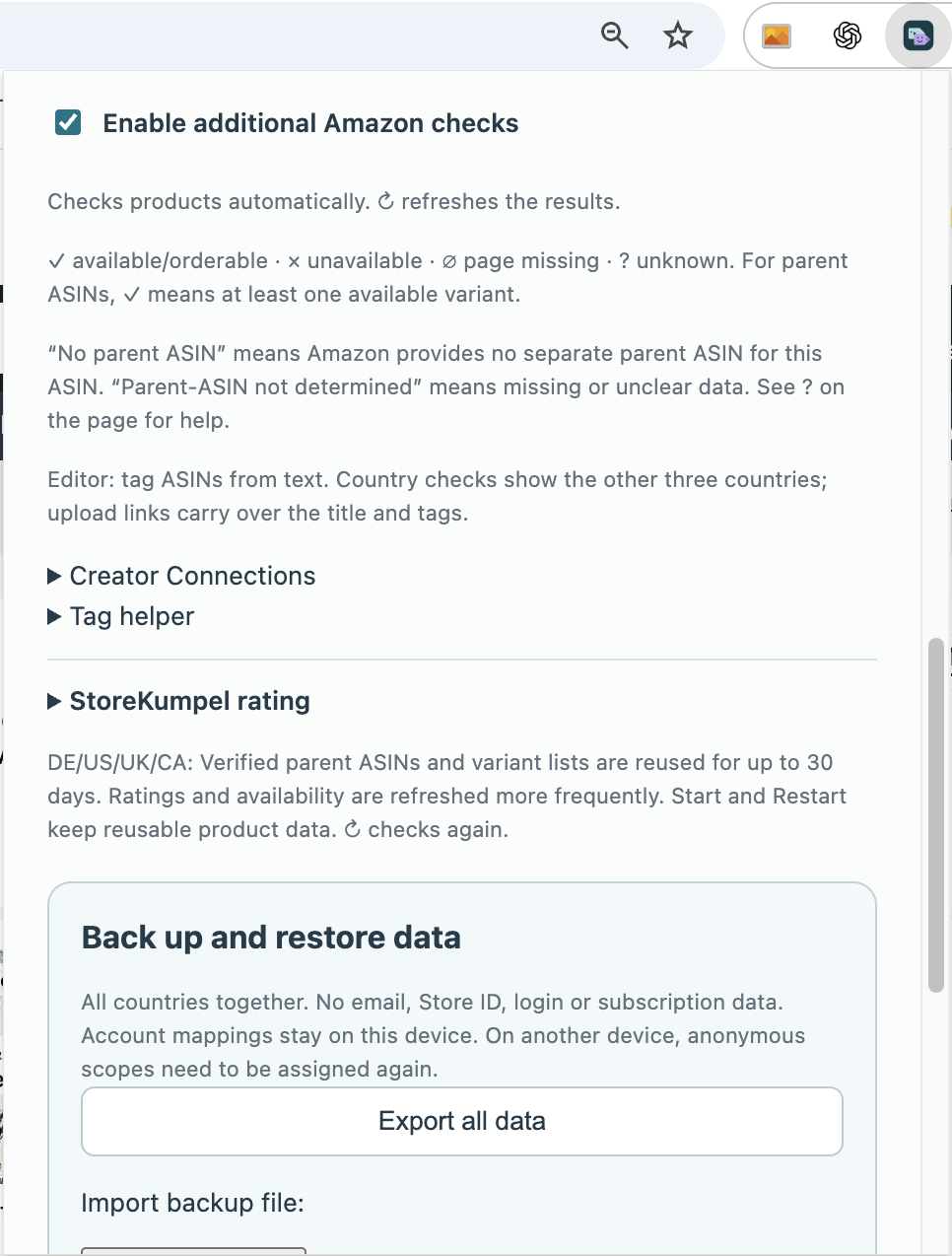
What happens during ordinary browsing?
StoreKumpel adds product information on supported pages. You do not need to start a full run each time. Wait for the relevant feedback before interpreting a still-empty value as a result.
 12
- Refresh visible posts.
- Open Tasks, Schedule, Data and Campaigns.
How do I pause automatic checks?
Use Pause in the storefront toolbar. Checks already started may still finish. Data and campaign runs have their own Stop buttons. Collapsing the toolbar does not stop processing.
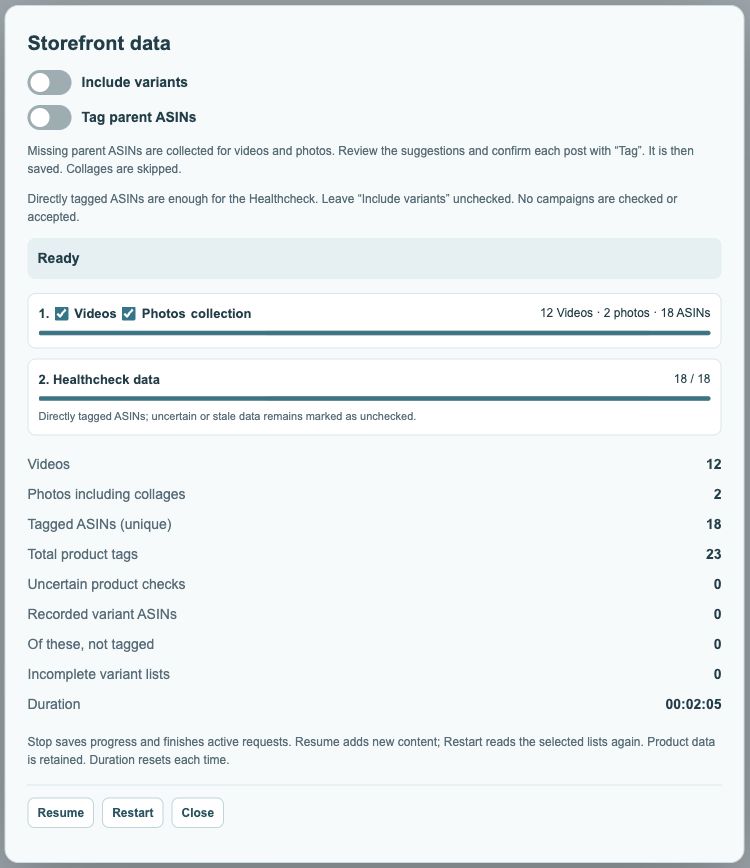
When do I still need Data?
Pro feature With Pro, use a data run to collect your content deliberately and make broader use of Healthcheck. Information added to a currently visible page is not the same as a fully checked content overview.