
Options → Backup
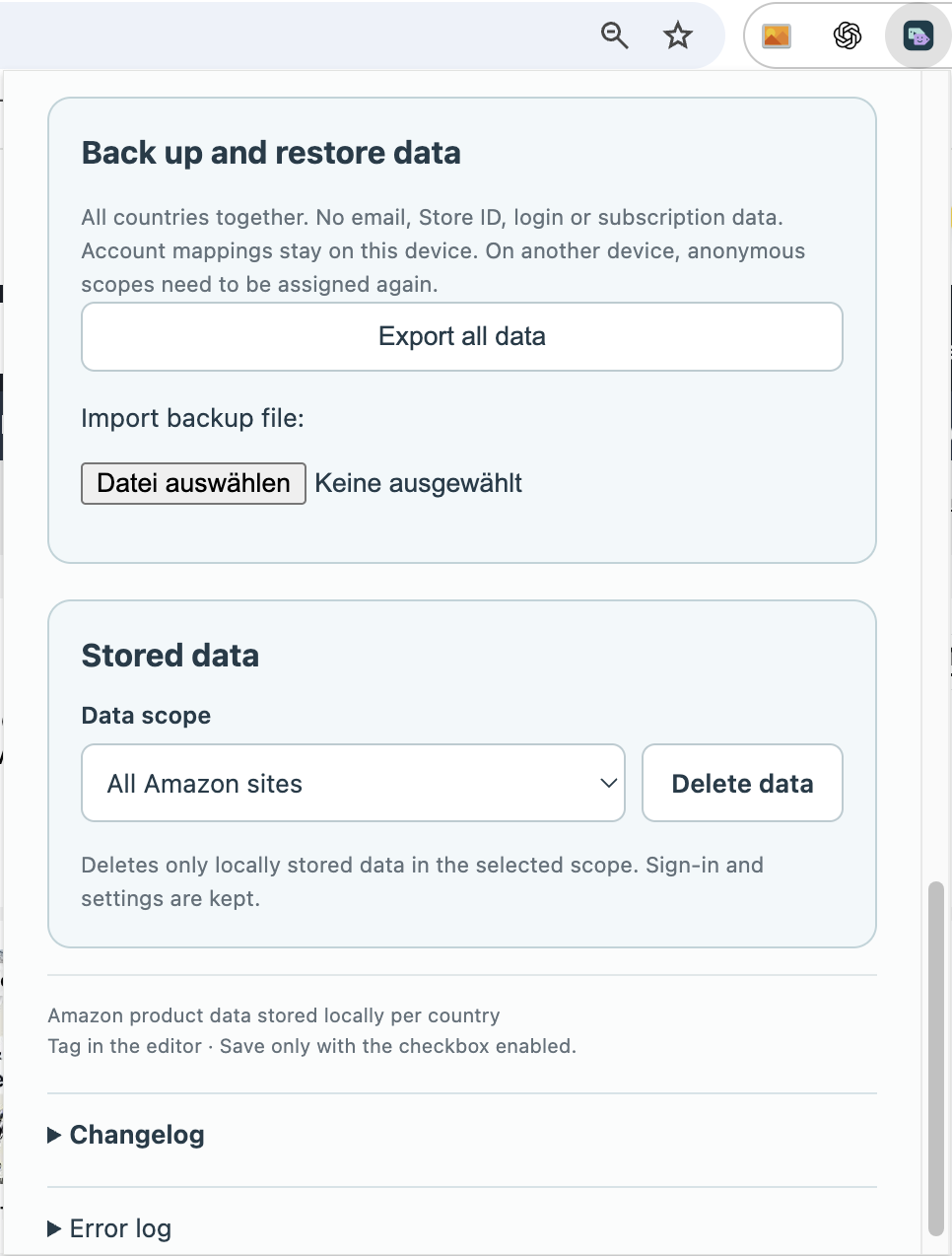
Back up and transfer your work
Included in Free
How to use it
- Stop active operations and open Backup in the options.
- Export a backup file and keep it somewhere you can find again.
- To transfer your work, use Import on the destination device and review the notices before confirming.
When is a backup useful?
Create a backup before changing devices or reinstalling. Stop active operations first. Give the file a clear name including the date and keep it somewhere accessible from the destination device.
How do I check an import?
Read the displayed notices before confirming. After importing, inspect familiar tasks and important views first. Only then start another run. Importing does not publish anything or change your Amazon posts.
What do I still need to do myself?
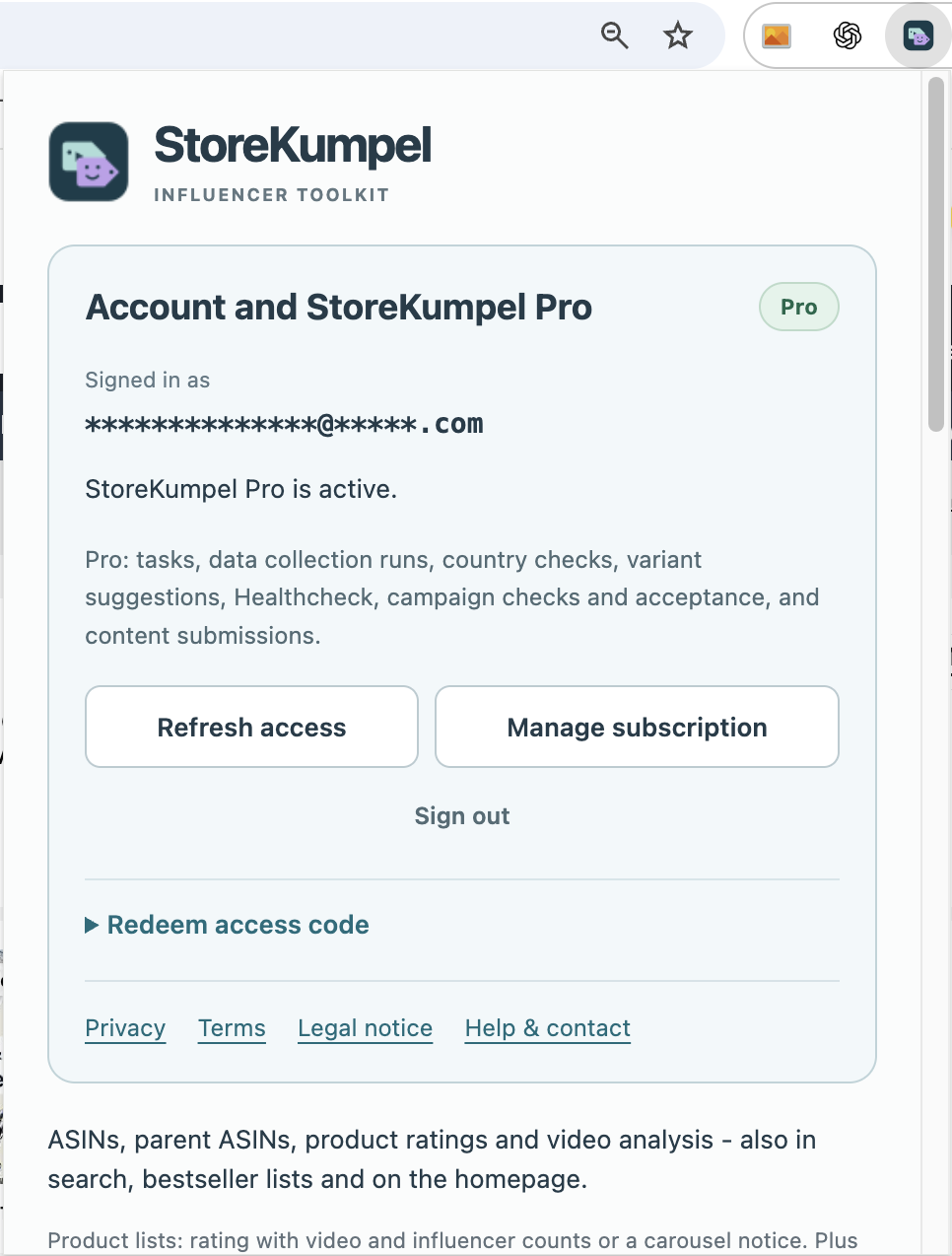
Sign in to Amazon and, if applicable, StoreKumpel Pro on the destination device. Check the marketplace and account. A backup file does not replace these sign-ins. Keep the original file until you have confirmed that the transfer worked.