
Tasks → Select ASINs
Copy several task ASINs
Pro feature
You need StoreKumpel Pro to use this feature.
How to use it
- Enable Select ASINs in Tasks.
- Select the entries you want and check the selection count.
- Copy the selection and paste it where needed.
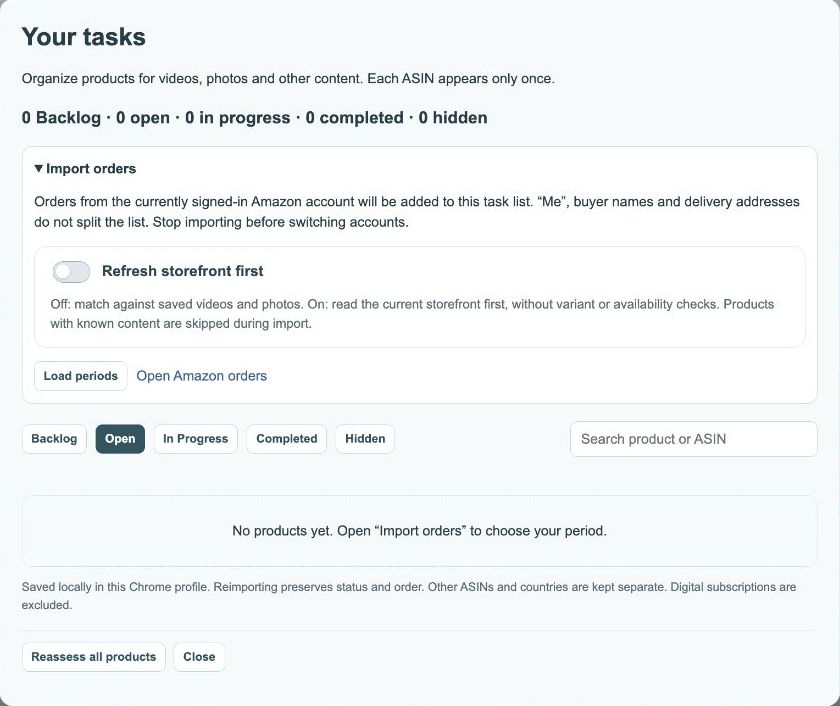
Selection and visible results are different
An active selection may persist across tabs and searches. The selection count therefore matters more than the checkboxes currently visible. Check it before copying. To start over, cancel the selection and enable it again.
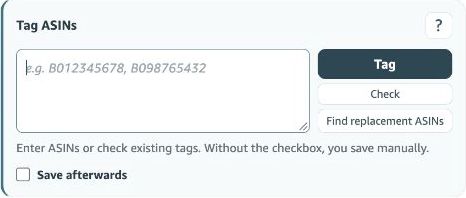
Where can I use the copied ASINs?
Paste them into a note or the editor’s ASIN field, for example. Product relevance and the ten-tag limit, including existing tags, still apply. Selecting many tasks is not permission to associate all of them with one video.
Why is the selection button missing?
An empty view has no new entries to select. Check the search term and tab. A previously started selection may still exist. If copying fails, read the feedback and retry copying without saving the post.