
Displays on other Amazon pages
Use product information and ASIN tools.
Save products for later and search for campaigns.
How to use it
- Look for StoreKumpel additions on product cards, such as lists and recommendations. Availability and placement depend on the Amazon view.
- Use visible ASINs, copy buttons and product links as you would in search results.
- If a particular view has no additions, open the product directly for the more detailed StoreKumpel view.
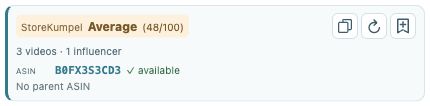 12
- Compare the score and displayed videos.
- Copy identifiers, refresh or add to Backlog.
Which controls work the same way?
Where StoreKumpel enhances a product card, the identifier and copy action refer to that product. Scores, video information and availability mean the same things as on product pages. Their placement may vary with Amazon’s layout.
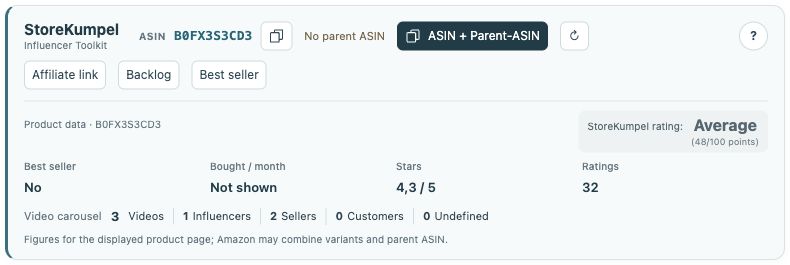 12
- Identifiers, copy buttons and additional tools.
- Product information and score at a glance.
What if no tools are shown?
Open the product directly using its Amazon link. If nothing appears there either, check that the extension is enabled and the marketplace is supported. Reload a page opened before an update after stopping active processing.
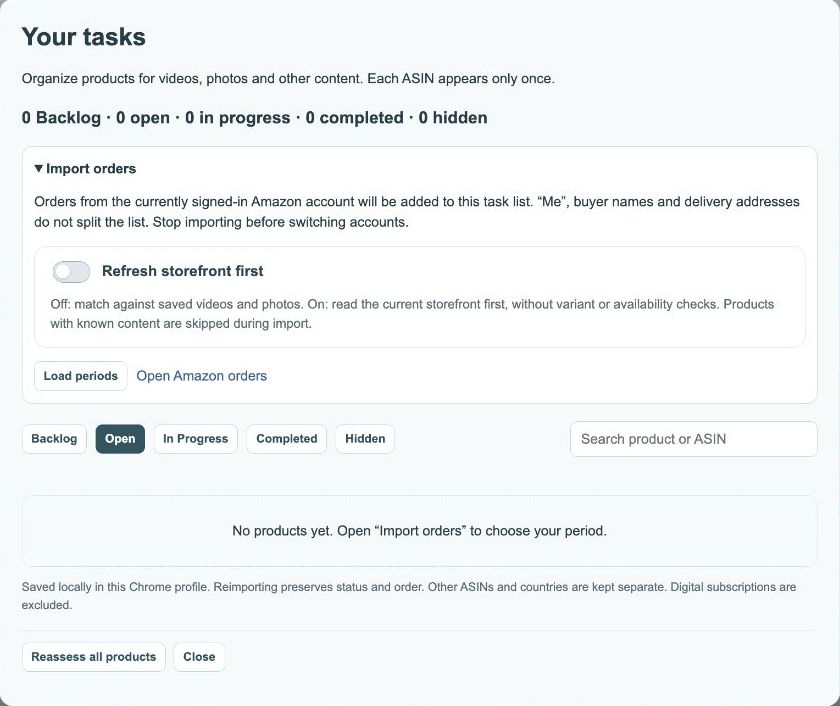
How should I use recommendations?
Pro feature An Amazon recommendation and a StoreKumpel score are different pieces of information. For every idea, check that the product fits your content. With Pro, collect interesting items in Backlog before deciding to associate them with a post.