
StoreKumpel options → Account
Check and manage Pro access
Pro feature
You need StoreKumpel Pro to use this feature.
How to use it
- Sign in with your StoreKumpel account.
- Check the subscription status. Use Check subscription if an existing entitlement is not recognized yet.
- Use the available account management for subscription questions. Contact support with a short description if needed.
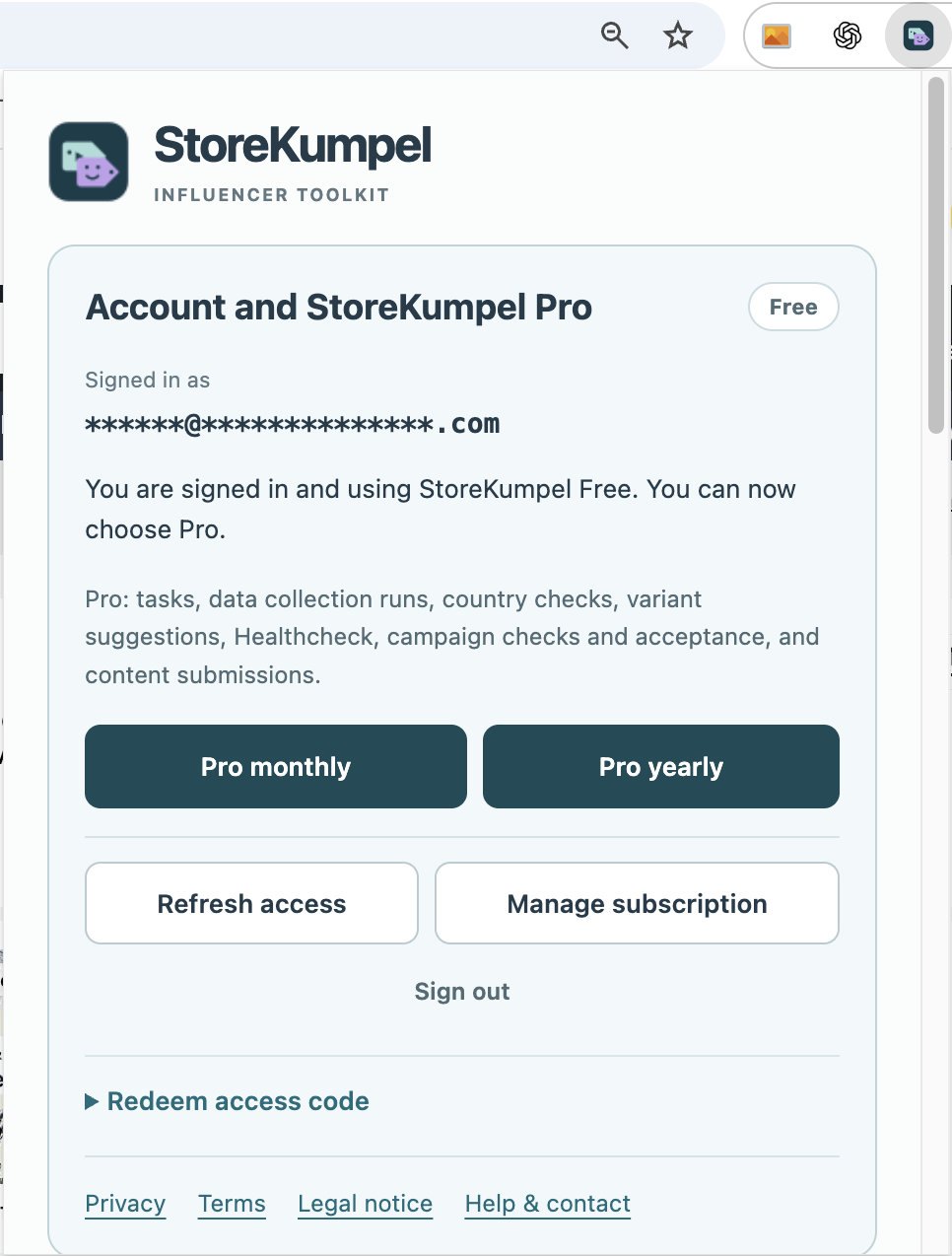
Which email address should I use?
Sign in with the email address associated with your StoreKumpel access. A different account may show a different subscription status. Your Amazon and StoreKumpel sign-ins are separate.
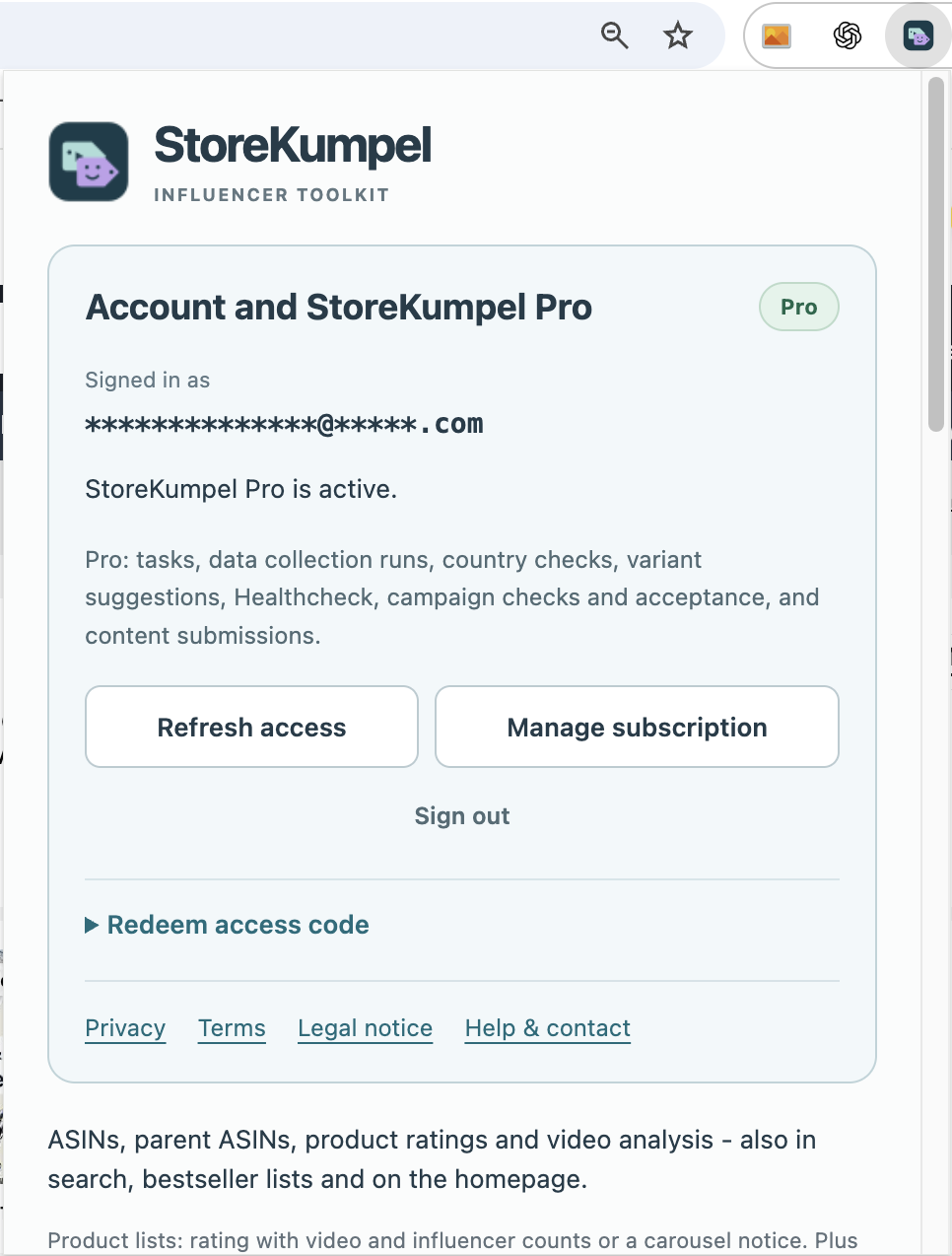
I have paid, but it still shows Free
First check the email address and use Check subscription. Then reload the affected Amazon page if no run is active there. Do not immediately purchase another subscription. If access remains unclear, contact support with a brief description and the displayed status.
Where do I manage billing and my subscription?
Use the available subscription or account-management link. Review your plan and any displayed changes there. Signing out of the extension is not the same as cancelling. Billing and refund information is also available on the relevant website pages.