
Start, Resume and Restart
You need StoreKumpel Pro to use this feature.
How to use it
- Start begins a new run when no suitable prior progress exists.
- Resume continues from existing progress. In the Data window it can also add new content.
- Restart begins the selected run afresh. Review content types and additional options first.
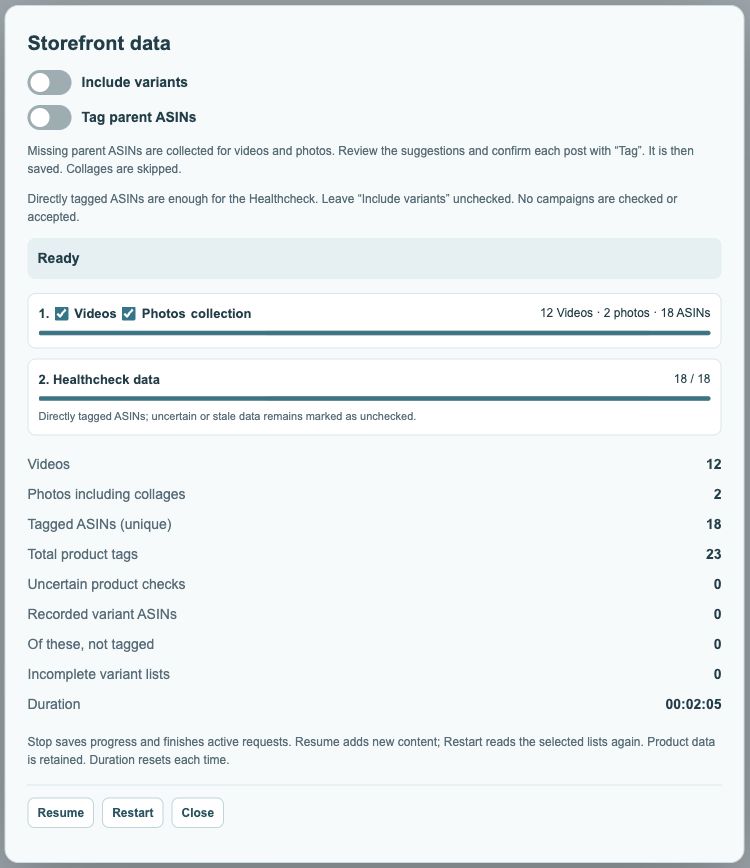
Which button should I use after a break?
Use Resume to continue from your previous progress. Check the marketplace, content types and notices first. Choose Restart if you want to begin the selected workflow again. Duration starts afresh for each execution.
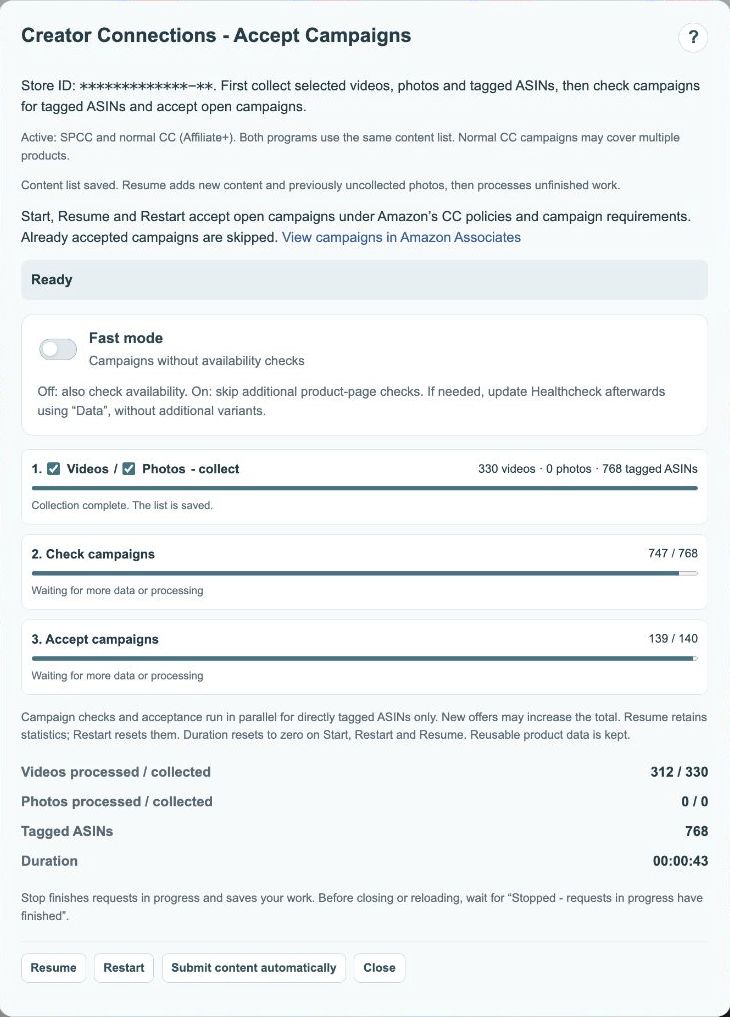
Why is Resume available after completion?
A completed check can still provide a starting point, for example when new content appears or an incomplete content list needs extending. The button alone does not mean the previous run failed. Read the completion message, completeness notice and current counts.
 123
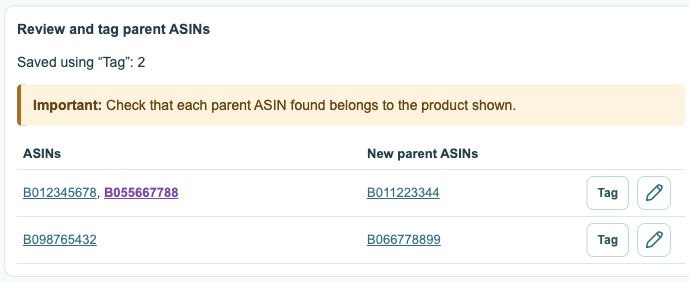
- Existing tags; recognized parents are purple.
- Review new parent suggestions first.
- Tag confirms and saves; the pencil opens the editor.
What does Restart not do?
Restart does not reset your Amazon posts. It does not undo saved tags or accepted campaigns. In the Data dialog, the count of posts completed using Tag starts over. Review the options and wait for other active operations to finish before starting.