
Submit video links to campaigns
You need StoreKumpel Pro to use this feature.
How to use it
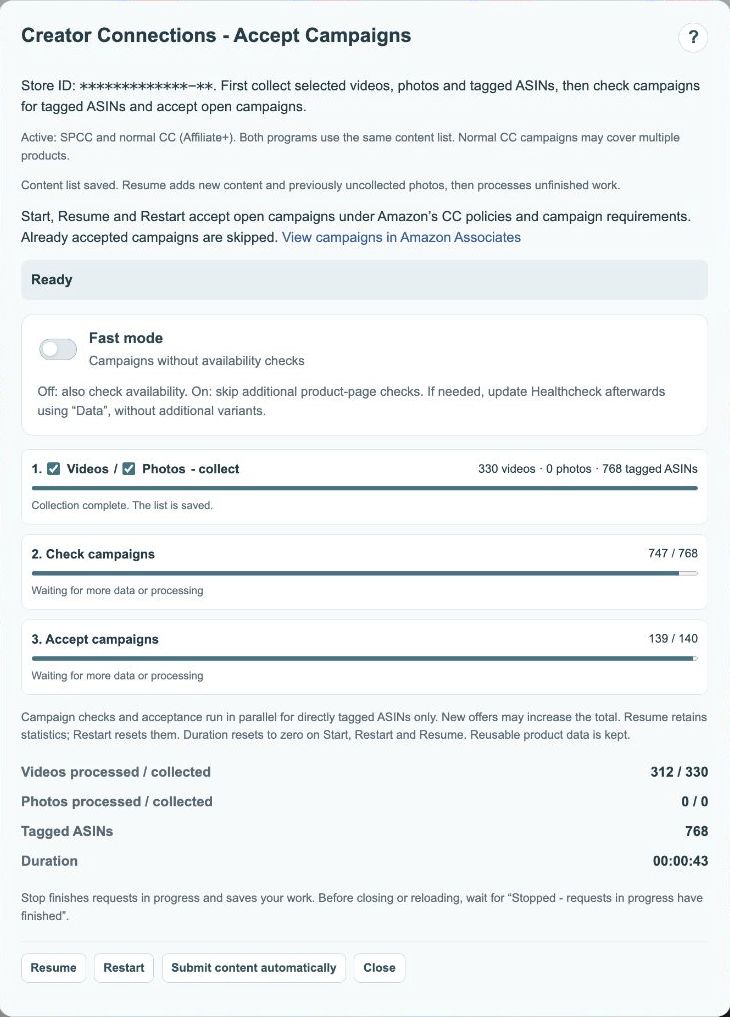
- Finish the campaign check and review the results.
- Click Submit content automatically when you want to associate eligible video links with accepted campaigns.
- Watch progress and notices about incomplete submissions. Skip leaves out a problematic entry.
What is submitted?
Eligible links to existing videos are associated with accepted campaigns. The feature does not create a video file or upload a new video. Photos and collages are not automatically submitted by this action. Check that your goal is to associate an existing video with a campaign.
 123
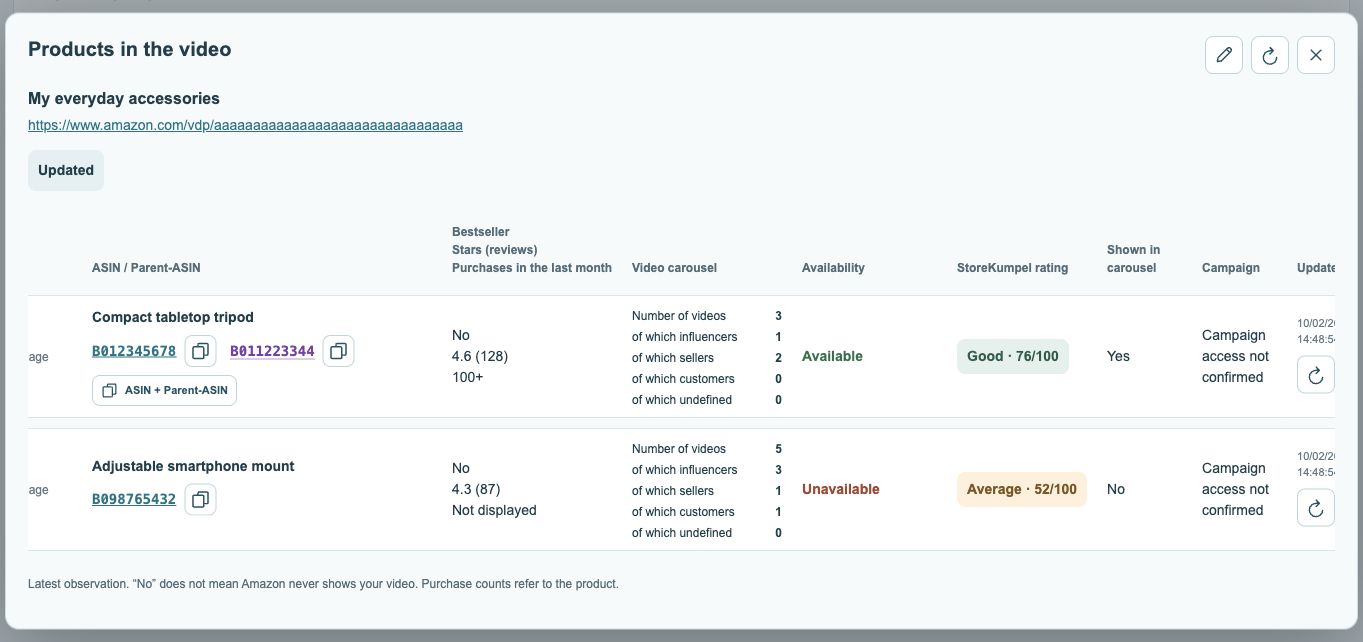
- Current availability status.
- Campaign status, where available.
- Check time and refresh.
Why is the button unavailable?
The action requires a suitable completed campaign run and eligible content. It remains disabled while processing is active or requirements are missing. If only Start is offered, the relevant workflow has not begun. Read the status instead of repeatedly clicking a disabled action.
What do errors and Skip mean?
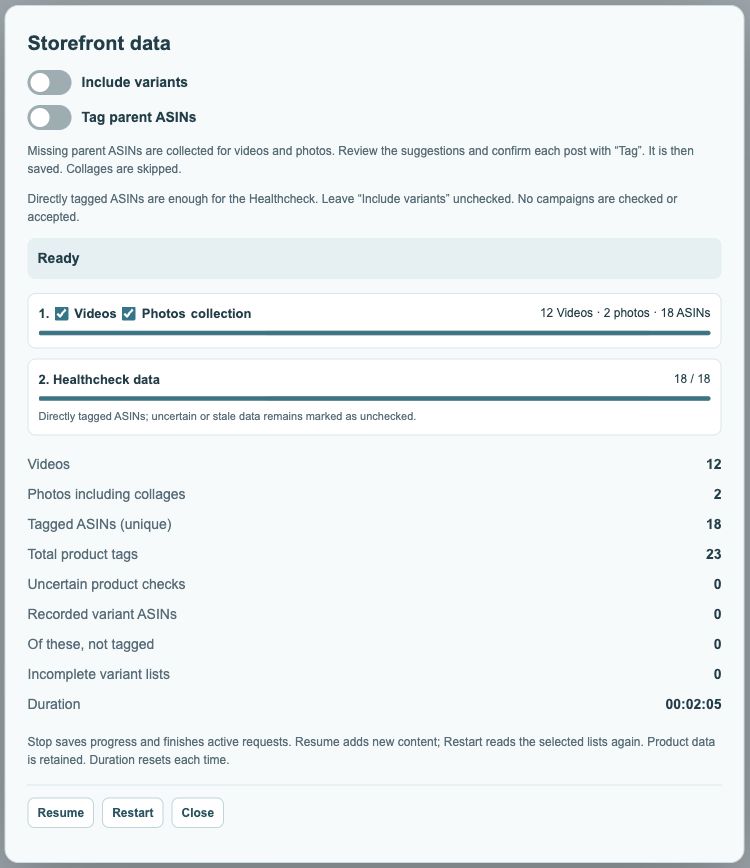
An unconfirmed submission is not automatically a confirmed rejection. Read the feedback and inspect Amazon’s status if needed. Skip is a deliberate decision to leave an entry out. A successful transmission does not promise placement or future payment from Amazon.