
Options → Error log
Report a problem with the error log
Included in Free
How to use it
- Briefly describe the page and step where the issue occurs. Note the affected ASIN if relevant.
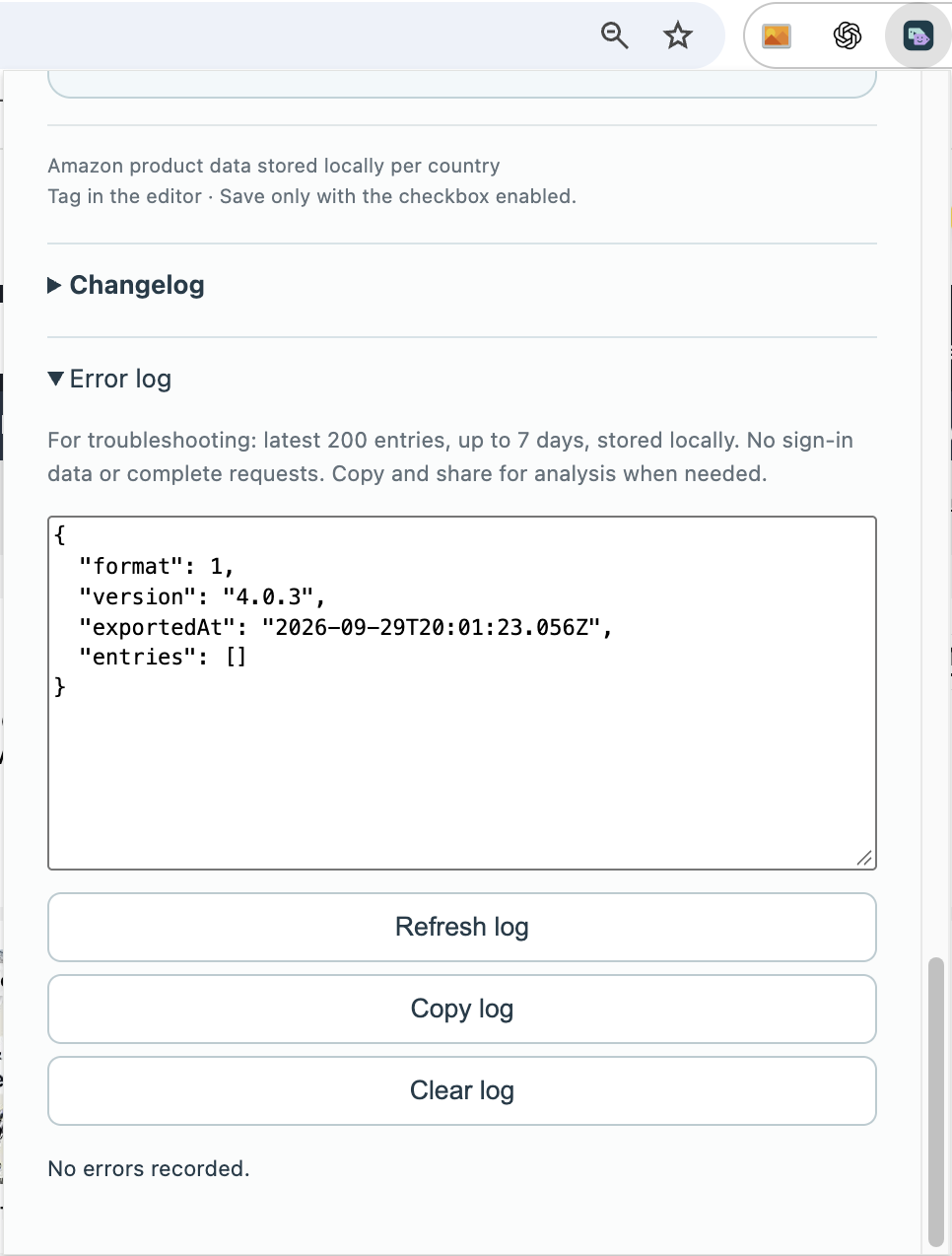
- Expand Error log at the bottom of the options and refresh it.
- Copy the log, review its contents and include it with your description in the support message.
Which details help support?
Include the StoreKumpel version, Amazon marketplace, affected view and the steps immediately before the issue. Add the exact message and, for product issues, the ASIN. Explain what you expected and what happened instead.
When should I copy the log?
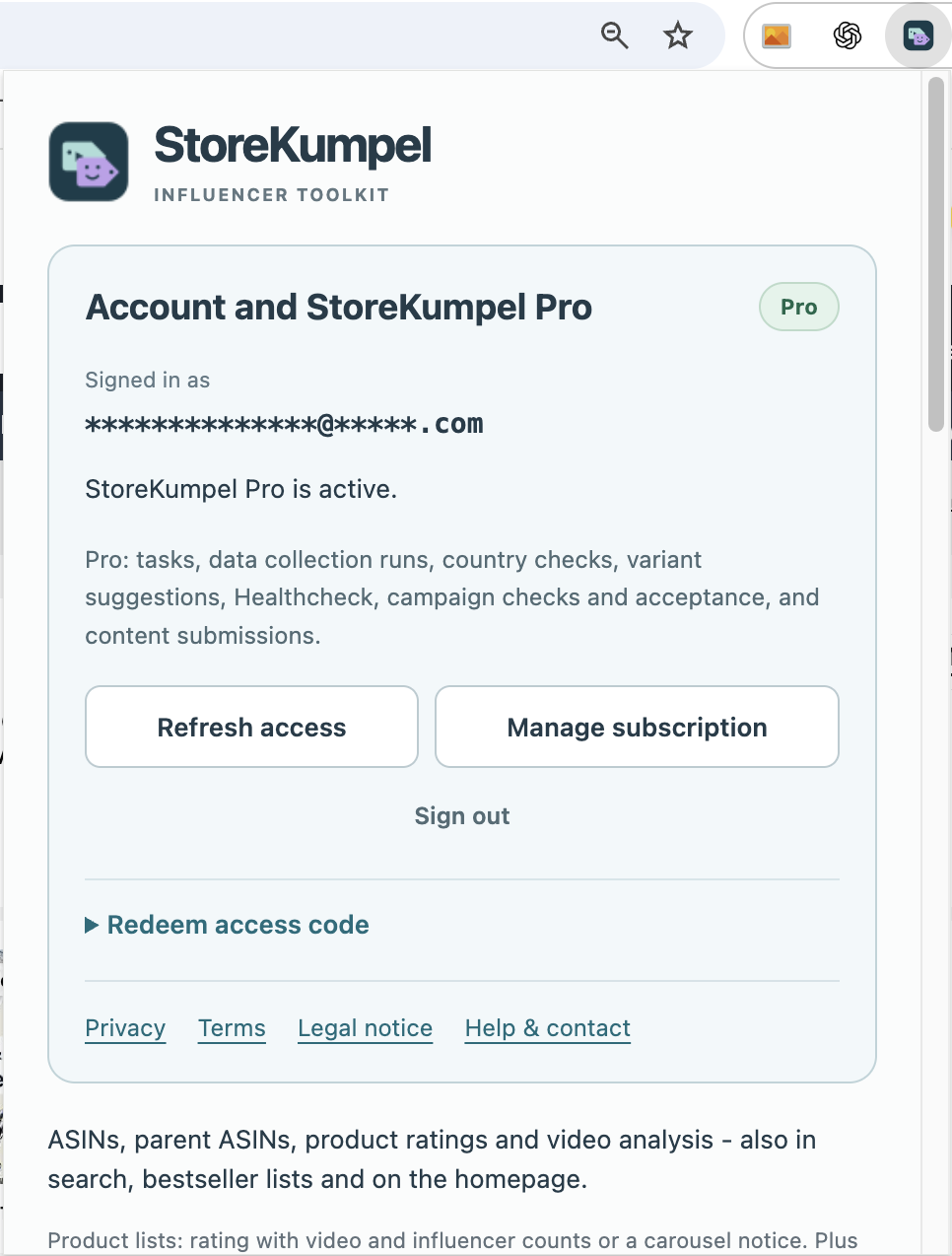
Preferably just after the issue. Open Options, expand Error log and refresh it. Review the contents before sharing. Do not include passwords, sign-in codes or unnecessary account information.
 12
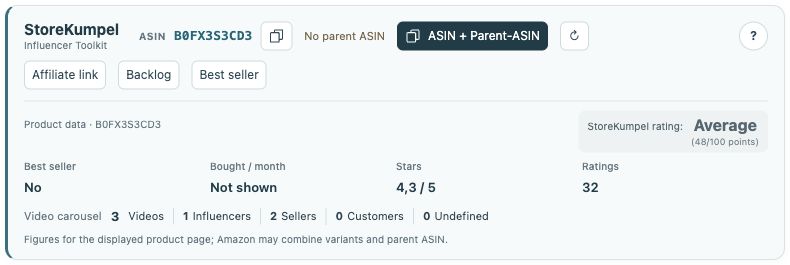
- Identifiers, copy buttons and additional tools.
- Product information and score at a glance.
What makes a useful screenshot?
Show the affected button or notice with enough surrounding context to identify the view. For a disabled button, its tooltip is helpful too. Hide private details that are not needed for troubleshooting. A picture without explanation does not replace a description of the steps.