
Copy and pencil icons on your own posts
Copy post links and open the editor
Included in Free
How to use it
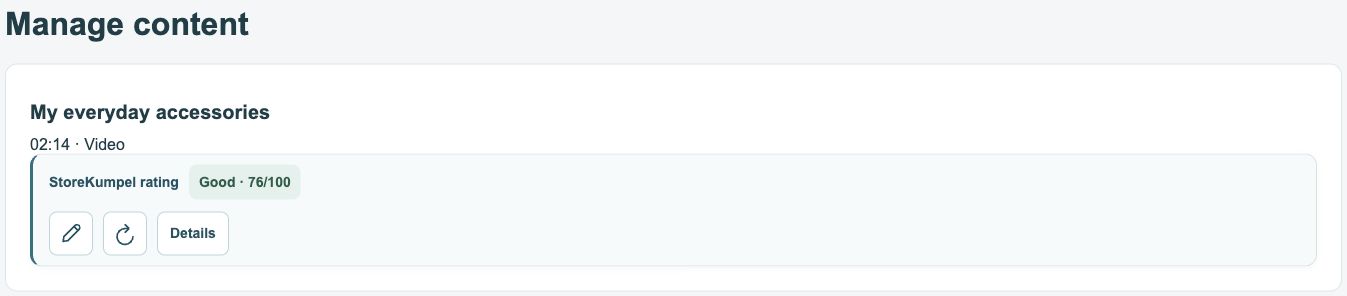
- Click the copy icon to copy the post’s link.
- Click the pencil to edit the post in a new tab.
- Review any changes in the Amazon editor and save deliberately.
 12
- Copy the post link.
- Open the post in the editor.
Post link or product link?
The copy icon on a post card gives you the link to the video or photo. An ASIN opens a product instead. To share a post or associate it with a campaign, use the content link, not just the product address.
 12
- Post score based on its products.
- Edit, refresh or open Details.
What does the pencil do?
The pencil opens the editor for that post you own in a new tab. Opening it does not change anything. Check the title and product list first to ensure you are editing the correct post. Changes are applied only when saved.
What if the editor cannot be opened?
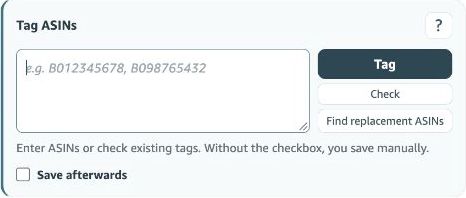
Check that you are signed in to the correct Amazon account and marketplace and can edit the post. If needed, open it through Amazon’s Manage content view. Do not accidentally use an address from another marketplace because it has a similarly titled post.