
Post editor → Check
Prepare tags with Check
Pro feature
You need StoreKumpel Pro to use this feature.
How to use it
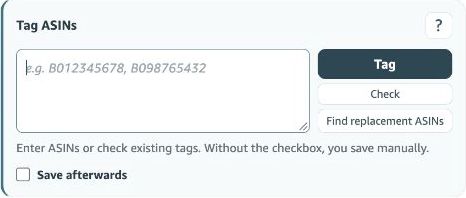
- Enter ASINs, or leave the field empty to check existing tags.
- Click Check and wait for a suggestion with recognized parent ASINs and suitable variations.
- Review the suggestion. Only Tag adds the ASINs as product tags; also check the Save afterwards setting.
What happens if the input is empty?
The check starts from the tags already in the editor. Review the product list first. If the field contains ASINs, your input is checked in the relevant editor context. The result is a suggestion you still need to review.
Do I have to use every suggestion?
No. Compare the products with your actual content and adjust the ASIN field. Another colour or size does not automatically belong in every video. Known parents and variations help with selection but do not confirm product relevance.
 123
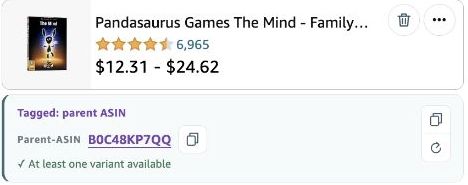
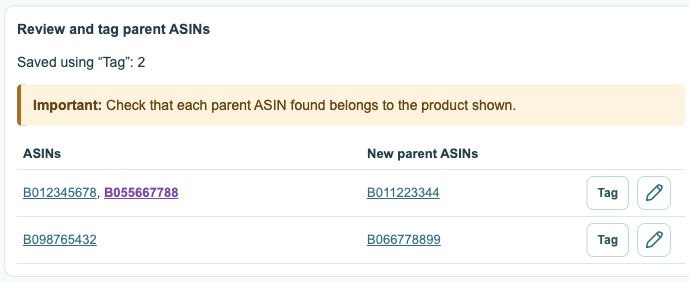
- Existing tags; recognized parents are purple.
- Review new parent suggestions first.
- Tag confirms and saves; the pencil opens the editor.
How is Check different from Tag?
Check prepares the input. Only Tag adds products in the editor. Saving then depends on the Save afterwards setting. Before taking that step, check the ten-tag limit, including identifiers already present.